




AI in Your Car: From Gimmick to Game-Changer in 2026
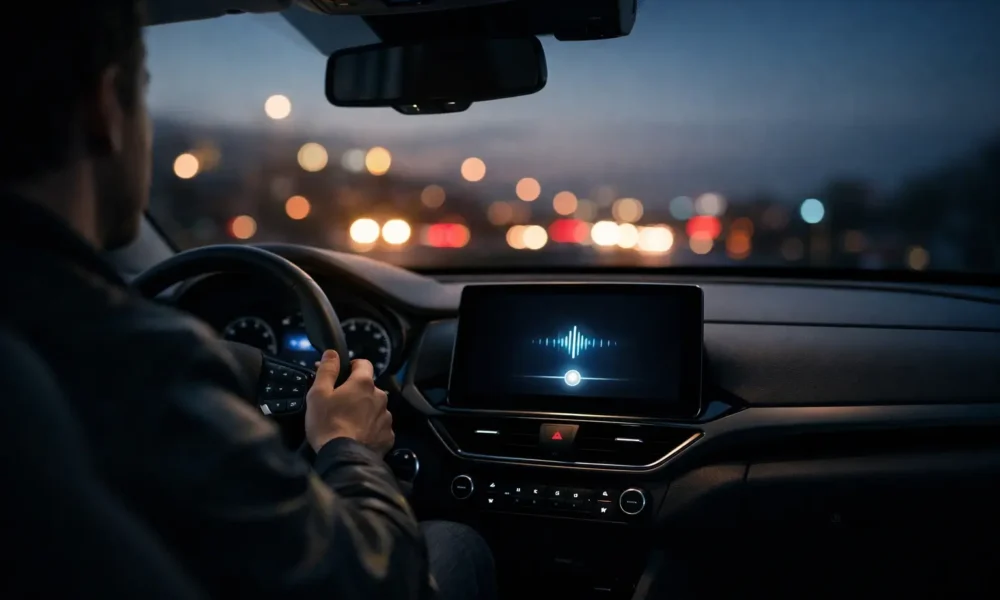
Car AI chatter is everywhere. A lot of it sounds like an ad.
If you’re shopping for a car, you want answers. You don’t want to gamble with safety, warranty cover, or a repair. I’m David Wright, and I’ll keep this practical.
Automotive AI in cars isn’t one feature. It’s three layers: an in-car AI assistant, safety systems (ADAS), and ownership tools that help with maintenance.
What “AI in your car” actually means (and what it doesn’t)
Some AI runs in your phone, some runs in the car, and some calls on cloud AI.
The three layers
Infotainment and assistants sit on top. That’s Apple CarPlay, Android Auto, Google built-in, and brand systems that run an AI voice assistant for calls, messaging, music, and navigation.
Safety systems sit underneath. Driver assistance tech includes features like automatic emergency braking and lane departure warning as support features where you still drive and monitor.
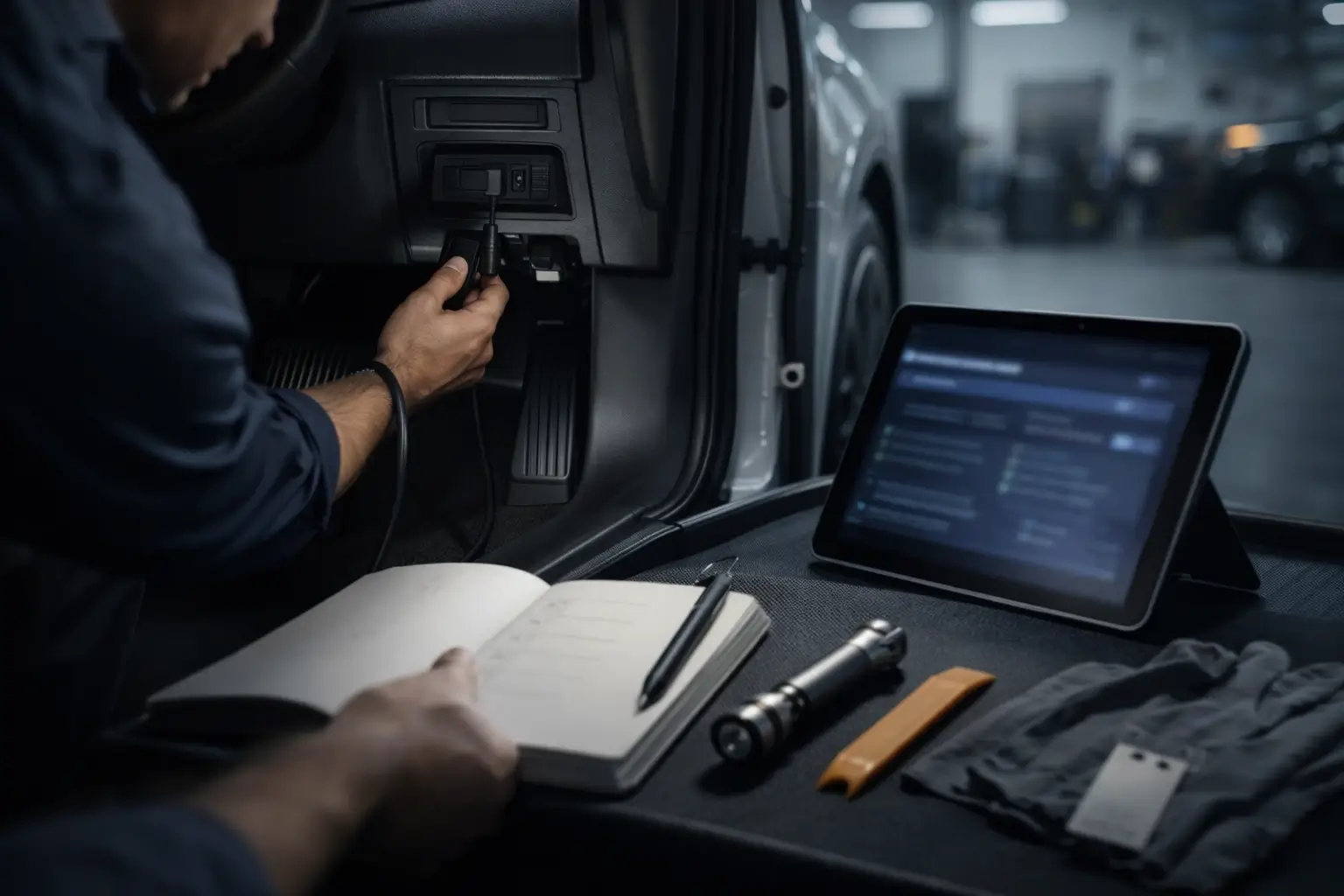
Ownership tools sit in the background. They cover diagnostics, service reminders, recall alerts, and (in some cars) predictive maintenance.
What changed heading into 2026 (the short version)
CarPlay may soon feel more open. Reports say Apple plans to allow third-party AI chatbot apps like ChatGPT, Claude, and Gemini in CarPlay, while Siri stays the system trigger. The limit: you’d need to open the chatbot app to start dashboard voice mode.
Google is pushing Gemini for cars. Google says Gemini is coming to Android Auto and Google built-in, focused on hands-free tasks like messaging and finding places.
This sits in the connected car world and the software-defined vehicle (SDV) push, where OTA updates shape more of what your car does.
Real use cases that are genuinely useful (not party tricks)
Voice can handle quick jobs
Send a short message, make a call, do calendar or meeting prep, ask for route suggestions or traffic, get restaurant recommendations, or start music and audio, all hands-free.
Voice can also cut menu time
Volkswagen says its IDA voice assistant plus ChatGPT can do infotainment control, navigation, climate control, seat settings, and in-car settings by voice, then pass wider questions to AI.
Safety AI is already common
ADAS can support lane keeping, lane departure warning, and automatic emergency braking, and some cars add driver monitoring for drowsiness detection. Automatic emergency braking can apply brakes automatically when a forward crash becomes likely.
The platforms: CarPlay vs Android Auto vs built-in systems
This is where most buyers get stuck. So I split it into phone-mirroring vs built-in.
This built-in vs phone-mirroring choice can create ecosystem lock-in.
| Platform | Where it runs | Best for | Main limits |
|---|---|---|---|
| Apple CarPlay | iPhone mirrored to the dash | Familiar apps, simple voice tasks | Siri stays the system voice trigger; third-party chatbots may require opening the app |
| Android Auto | Android phone mirrored to the dash | Google services, wide app support | Depends on phone, permissions, and connection stability |
| Google built-in | Google apps run in the car | Deeper integration in supported cars | Feature set depends on brand and model |
| OEM built-in | Car maker system | Direct vehicle functions | Update pace and subscriptions vary by brand |
OEMs are also adding conversational AI
Volkswagen integrated ChatGPT into IDA using Cerence Chat Pro and says ChatGPT doesn’t get access to vehicle data.
Mercedes-Benz integrated ChatGPT into MBUX via Azure OpenAI Service and says it anonymises stored voice command data.
BMW says it will expand the BMW Intelligent Personal Assistant in 2026 using Amazon’s Alexa+ architecture and a large language model (LLM).
How in-car AI works (in plain English)
Cars are tough places for voice. Cabin noise hits the microphones, so wake words, steering wheel buttons, and simple voice mode triggers still matter.
On-device (edge AI) handles quick commands. Cloud AI handles bigger questions and most generative AI answers. OTA updates add features and patch bugs over time.
Safety first: reducing distraction, not adding it
Distraction is a fact. Thousands of people were killed in crashes involving distracted drivers in the US in 2023.
Voice helps, but it’s not risk-free. Research notes the crash risk impact of voice recognition tech is still unclear, and it points to guidance aimed at reducing visual-manual distraction.
Keep eyes on road.
If it makes you look down, stop. If it makes you think hard, wait until you’re parked.
Privacy + cybersecurity: what to check before you trust it
Start with the data. An in-car AI assistant may touch voice recordings, location data, contacts, and message content, so data privacy needs real settings, not slogans.
Start with consent and transparency. Look for opt-in choices, data minimization, on-device processing when possible, and a retention policy you can find fast. Auditability matters, meaning the brand can explain updates and data handling.
ISO/SAE 21434 is one key standard for vehicle cybersecurity engineering. UN Regulation No. 155 is a UN framework for vehicle cybersecurity approvals, and UN records show it entered into force on 22 January 2021.

Costs in 2026: free features vs subscriptions
Costs can show up later. Connected services start with a trial period, then move to a subscription with a monthly fee and a renewal price. Cars.com tracks this pattern across many brands and app packages.
Ask what ends after the trial. Ask what you lose if you stop paying.
Buyer checklist (copy/paste-friendly)
- Car model compatibility (CarPlay, Android Auto, Google built-in)
- Region availability and language support
- Phone OS version, app support, and mic quality
- Connectivity plan and offline basics
- OTA update track record
- Privacy controls, deletion tools, and subscription terms
If you use an iPhone, expect CarPlay to stay Siri-first, and check Apple Intelligence & Siri settings for ChatGPT options like confirm requests or turning it off.
If you use Android, expect Gemini for cars to focus on hands-free jobs like messaging and finding places, and check what your model supports.
The next 12 months: where car AI is heading
Expect more choice on the dash. CarPlay opening to third-party chatbots would add options without replacing Siri. Expect more built-in assistants too, like BMW’s 2026 plan for an LLM-based helper.
Expect more focus on trust. Safety and cybersecurity frameworks keep pushing this space.
FAQs
What does “AI in your car” actually do?
It usually does three jobs: voice help for calls, messages, audio and navigation; safety support through ADAS features like braking and lane alerts; and ownership help like diagnostics and service reminders. Some systems add generative AI for wider questions, using natural language processing (NLP) to understand natural speech.
Is AI in cars just a voice assistant?
No. Voice is the obvious part, but AI also supports driver assistance. That includes sensing with cameras and radar, combining signals with sensor fusion, and warning you or adding braking support. You still stay responsible for driving and watching the road, even with assistance running.
Can I use ChatGPT in Apple CarPlay in 2026?
Reports say Apple plans to allow third-party AI chatbot apps like ChatGPT in CarPlay. Siri would still be the default system trigger. You’d need to open the ChatGPT app on the CarPlay screen to start voice mode, even if it starts speaking once opened.
Will ChatGPT (or Gemini/Claude) replace Siri in CarPlay?
Not as the system trigger. Reporting says Siri’s wake word and button stay tied to Siri, so you can’t swap it out. Third-party chatbots would run inside their own CarPlay apps, and you’d launch them when you want that style of conversation.
Do I need to open the chatbot app to talk, or can it be fully hands-free?
For CarPlay, reporting says you’d need to open the chatbot app to use it, because Siri’s button and wake word stay with Siri. Developers may start voice mode automatically once the app is open, but the first step still needs attention and timing.
Does in-car AI work without internet?
Some parts can. On-device (edge AI) can run basic voice commands and vehicle controls, but cloud features and generative AI answers often need data. Navigation guidance may keep working if routes are already loaded, while live traffic and “find places” features can drop out.
What’s the difference between CarPlay/Android Auto and “Google built-in”?
CarPlay and Android Auto mirror your phone on the car screen, so apps and accounts live on your phone. Google built-in runs Google apps inside the car’s own system, sometimes with Play Store support. Built-in can tie into car functions more, but updates depend on the brand.
Which cars already have ChatGPT-style features built in?
Volkswagen integrated ChatGPT into the IDA voice assistant using Cerence Chat Pro in certain models. Mercedes added ChatGPT to MBUX via Azure OpenAI Service in a beta. BMW has announced a 2026 rollout of an Alexa+ based assistant using an LLM, starting with selected models and markets.
Is talking to an AI while driving safer than typing?
Typing usually increases risk because it takes your eyes and hands off driving. Voice can reduce screen time, but it can still distract your thinking, especially with long answers. Research says the crash risk impact of voice recognition tech is still unclear, so keep voice tasks short.
What data does an in-car AI assistant collect (voice, location, contacts)?
It varies by system, but common data includes voice commands, location, and activity like calls or requests. Some services store voice command data in a cloud account, while others process more on-device. Always check the privacy screen in the car and the permissions in your phone settings.
How do I reduce what my car’s AI records or shares?
Start with settings. Turn off features you don’t use, limit access to contacts and calendars, and review voice history options in both the car and phone. Look for opt-in switches and deletion tools. If the brand can’t explain retention clearly, keep AI features limited.
What standards exist for vehicle cybersecurity?
Two key references are ISO/SAE 21434 and UN Regulation No. 155. ISO/SAE 21434 covers cybersecurity engineering across a vehicle’s life. UN R155 focuses on cybersecurity approvals and management systems, and UN records show it entered into force on 22 January 2021.
Are these features included, or do I pay monthly?
Some features are included, but many connected services move to paid plans after a trial period. Remote control, tracking, live traffic, and extra app services often sit behind subscriptions. Cars.com lists many examples of automaker app packages with monthly and yearly pricing and timed trials.
Will my AI features stop working if the subscription ends?
Usually, some features keep working and others drop back. Core vehicle functions still work, but cloud-linked services like remote access, live traffic, or concierge-style help may stop. The sure way to know is to read the connected services terms for your exact model and year.
Can AI improve safety features like braking or lane keeping?
Yes, in the sense that ADAS uses sensors and software to spot risk and support you. Automatic emergency braking can apply brakes automatically when a forward crash becomes likely. Lane departure warning can alert you when you drift, but you still stay responsible.
What should I ask before buying a “smart cockpit” car?
Ask five things: what phone systems it supports, what features need a subscription, what still works with no signal, how long OTA updates are supported, and what data is collected. If the seller can’t answer clearly, treat it as a warning and test another car.







No Comment! Be the first one.