




Ransomware in 2026: It’s Not Just Encryption Anymore – It’s Triple Extortion

Tech news feels like a fire hose. One minute it’s password tips, next minute it’s a ransomware story with jargon and timers. If you’re not sure what to trust, we get it.
We’ll cover what ransomware is, how triple extortion works, and what to do in an incident.
What is ransomware?
Ransomware is malicious software (malware) that locks your data or device and demands money to unlock it. It often encrypts files and promises a decryption key after payment. Many attacks also steal data and threaten a data leak, even if you can restore from backups.
Ransom demands often ask for cryptocurrency payments, like Bitcoin.
Crypto ransomware vs locker ransomware
Crypto ransomware encrypts files so apps can’t open them.
Locker ransomware blocks the device with an on-screen message. In many cases, it doesn’t encrypt files, so the data may still be intact once access returns.
The 2026 move: from encryption to multi-extortion
Encryption used to be the whole threat. Now it’s one tool in a bigger cyber extortion plan, sometimes called data extortion when the focus is stolen information. Both IBM and Cloudflare describe how attacks now mix encryption, data theft, and extra pressure to force payment.
Here’s the simplest map: single extortion encrypts files, double extortion steals data too, and triple extortion adds pressure on people linked to you.
Double extortion (encrypt + steal + leak threat)
In double extortion ransomware, attackers encrypt files and steal sensitive data, then threaten a data leak if you don’t pay.
That’s why backups aren’t the full answer. You can restore systems, but stolen data can still cause reputational harm, customer churn, and legal stress.
Attackers often prove the theft by posting samples on leak sites. Some of those sites sit behind the Tor network on “onion” pages, which can make takedowns harder and data leaks faster.
Triple extortion (pressure spreads to customers and partners)
Triple extortion pulls third parties into the mess. Attackers contact customers, partners, or patients and pressure them to pay or to push you to pay.
This works because it hits trust. Even if your IT team stays calm, the outside noise can force rushed decisions.
Some crews add DDoS-for-ransom threats too. A ransom DDoS attack is when attackers threaten to flood your website or network with junk traffic unless you pay.
Extortion without encryption (data theft only)
Sometimes attackers skip encryption. They steal data and demand money to keep it private.
NIST notes that attackers may steal an organisation’s information and demand payment in return for not disclosing it to others.

How modern ransomware campaigns work
Ransomware often runs like a supply chain. One group finds a way in, another steals data, and another runs negotiations and pressure.
This split speeds attacks.
Inside the network, attackers may move laterally, chase privilege escalation, and use “living off the land” tools that look like normal admin activity. They may also set up persistence so they can come back after a reboot or a password reset.
Initial access: phishing, stolen logins, and internet-facing holes
Microsoft lists phishing as a common way attackers get in, and social engineering is the wider trick behind it. Attackers push people into handing over credentials or downloading malware.
The NCSC paper also describes “initial access brokers” who specialise in breaking in and selling access to other criminals.
So we start at the front door. Remote access, email, and admin sign-ins matter most.
Data finding and exfiltration: what defenders notice
After access, attackers look for valuable data. They copy it to a staging area, then exfiltrate it out.
Teams often spot clues like unusual outbound traffic, large uploads at odd hours, or new admin tools appearing without change tickets. Keep the focus on detection, not blame.
Encryption, wipers, and why recovery gets messy
Attackers may encrypt files, drop a ransom note, and sometimes threaten destruction using wipers.
Recovery gets hard when identity accounts get hit first. It also gets hard when backups sit on the same network and attackers can reach them.
Prevention in 2026: controls that cut risk fast
We don’t need fancy promises. We need basics done well, across people, process, and tech.
The Information Commissioner’s Office ransomware guidance points to strong access controls (including MFA for internet-facing services), patch management, staff awareness, detection, and an incident response plan.
Identity hardening: MFA and least privilege
This is the quickest win.
- Turn on MFA for remote access, email, and admin accounts.
- Use least privilege, so one stolen account can’t run the whole estate.
- Separate admin accounts from daily email and browsing.
If we do one thing this week, we do MFA. It blocks a big chunk of stolen-credential attacks.
Patch and vulnerability management: fix exposed services first
Attackers look for internet-facing weaknesses. When patching slips, risk climbs fast.
ICO guidance calls out a patch management policy and prioritising patches for internet-facing services.
Keep it practical.
- Know what’s exposed to the internet.
- Patch critical fixes quickly, especially known exploited vulnerabilities.
- Check secure remote access services first.
- Retire systems you can’t patch.
- Lock down SMB file sharing where it’s not needed.
Email defences: DMARC, SPF, DKIM, plus training
Phishing still works because it looks normal. A fake invoice or “account locked” email can land on a busy day.
Email authentication (DMARC, SPF, DKIM) helps reduce spoofing. Pair it with simple habits, like one-click phishing reports and short refreshers.
Segmentation and monitoring: limit the blast radius
Segmentation keeps one break-in from becoming a total outage. Split office PCs from servers, backups, and admin tools.
Monitoring helps you spot data theft pressure early. Watch for unusual outbound data and unexpected admin changes.
Tools like EDR or XDR can help, but they still need good logs and alert rules.
Backups that survive ransomware
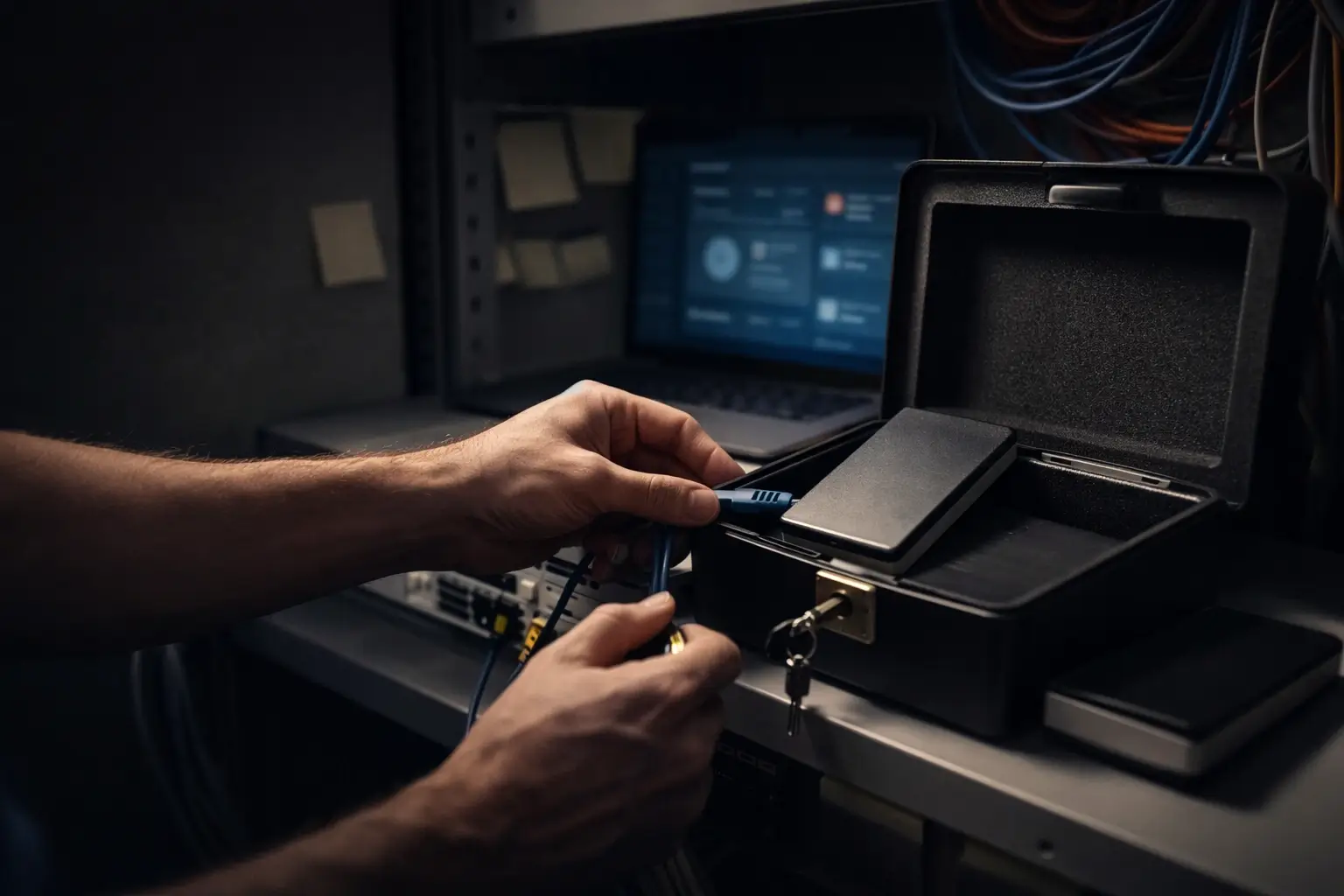
Backups are your fastest path back. But only if they’re safe and tested.
Downtime hits revenue and trust. A disaster recovery and business continuity plan helps you restore systems while you manage the data theft pressure NIST describes.
Offline or isolated copies, plus restore testing
Aim for at least one offline or isolated backup copy. Then test restores for key systems on a schedule you can keep.
A restore test should prove systems boot and apps run with real data.
Immutable backups and deletion protection
Attackers often try to delete backups. That’s why immutability matters.
Microsoft’s Azure guidance mentions immutable, isolated backups with features like soft delete and MFA protection for backup services.
Use the same idea anywhere you can. Keep backups separated, locked down, and tested.
RTO and RPO in plain language
RTO is how long you can be down. RPO is how much data you can lose.
Write both numbers down for your top systems. Then build your backup schedule and recovery plan around those numbers.
If it happens: response checklist for leadership and IT
We can’t “wish” our way out of ransomware. We can plan for the first hours, when stress is highest.
GOV.UK says to report a ransomware incident as soon as possible through official reporting routes, so you can access support and direction.
First 60 minutes: contain and preserve
- Isolate affected machines from the network.
- Pause suspicious sign-ins, especially admin accounts.
- Save logs, alerts, and ransom notes.
- Call your incident response lead or provider.
- Start a time-stamped “what we know” log.
Use a known-safe channel if email looks compromised. Don’t rush to wipe systems, because you may lose evidence.
First 24 hours: scope, restore, and clear messages
Focus on facts:
- What’s hit: devices, servers, cloud accounts, backups.
- Any sign of data exfiltration.
- What we restore first, based on business impact.
If personal data may be involved, plan for UK GDPR steps. The ICO checklist calls out incident response planning and notification thresholds.
The ransom decision: risks you can’t ignore
Paying doesn’t guarantee safe recovery or privacy.
In the United Kingdom, there’s also sanctions risk. GOV.UK warns that financial sanctions can prohibit making funds available to a sanctioned person, including through a ransomware payment, and breaches can be a serious criminal offence.
If leadership weighs payment, bring in legal counsel, insurers, and law enforcement early. Treat it as a business risk call, not only an IT call.
Legal, regulatory, and sanctions reality
If attackers access or steal personal data, reporting and notification duties may apply.
ICO’s ransomware guidance frames readiness around governance, asset identification, access controls, patching, staff awareness, detection, and incident response.
Sanctions add another risk. GOV.UK explains that an asset freeze can apply to sanctioned people and entities they own or control, and organisations must avoid making funds or economic resources available to them.
Why ransomware keeps scaling (the cybercrime supply chain)
Ransomware isn’t one actor doing everything. It’s a market.
The NCSC paper describes a cybercrime ecosystem with access brokers selling entry and affiliates running attacks.
IBM describes ransomware-as-a-service (RaaS) as developers selling ransomware tools to affiliates, who then carry out attacks. It’s one reason names like LockBit keep showing up, and why takedowns of groups like Hive still don’t end the problem.
That setup lowers the skill bar. More criminals can run campaigns, which means more victims.
2026-ready ransomware resilience checklist
This is the “board-ready” view. Track it monthly.
- MFA coverage for admins and remote access.
- Patch latency for internet-facing services.
- Restore-test pass rate for key systems.
- One isolated or offline backup copy.
- Admin separation and sign-in alerts.
FAQs
What is ransomware in simple terms?
It’s malware that locks your files or device and demands money to unlock them. Many attacks also steal data and threaten to publish it, which adds pressure even when backups exist.
What is double extortion ransomware?
Attackers encrypt files and steal data, then threaten to release it if you don’t pay. That can push victims to pay even when they can restore systems.
What is triple extortion ransomware?
Attackers pressure third parties linked to you, like customers or partners, to force payment or speed up decisions. This can create reputational harm and outside pressure on top of the technical outage.
Can attackers extort us without encrypting anything?
Yes. They can steal data and demand money to keep it private. NIST notes attackers may steal information and demand payment in return for not disclosing it to others.
What are common ways ransomware gets in?
Phishing is common, along with stolen credentials and weaknesses in internet-facing services. The NCSC paper also describes initial access brokers who sell entry to other criminals.
What should we do first if we suspect ransomware?
Isolate affected systems, preserve logs and notes, and start a time-stamped incident log. Bring in your incident response lead early and use a known-safe comms channel if email looks risky. Report through official routes to access support.
Should we ever pay a ransom?
Paying is risky and may not restore systems, and stolen data can still leak. In the UK, paying can also breach financial sanctions if the recipient is sanctioned. Get legal, insurance, and law enforcement input before deciding.
How do backups help, and what makes them safer?
Backups let you restore without paying. Safer backups stay isolated from normal admin access, use MFA, and get tested with real restores. Cloud features like immutability and soft delete can help stop deletion, but testing still matters.
What is ransomware-as-a-service (RaaS)?
It’s a model where ransomware developers sell tools to affiliates who run attacks. That helps ransomware scale because more criminals can launch campaigns without building their own malware.








No Comment! Be the first one.